SYS.BLOG
Claude Code Alternatives: 7 Picks (2026)
Compare 7 Claude Code alternatives for 2026. Codex wins overall, OpenCode leads open source, and five more tools fit specific coding workflows.
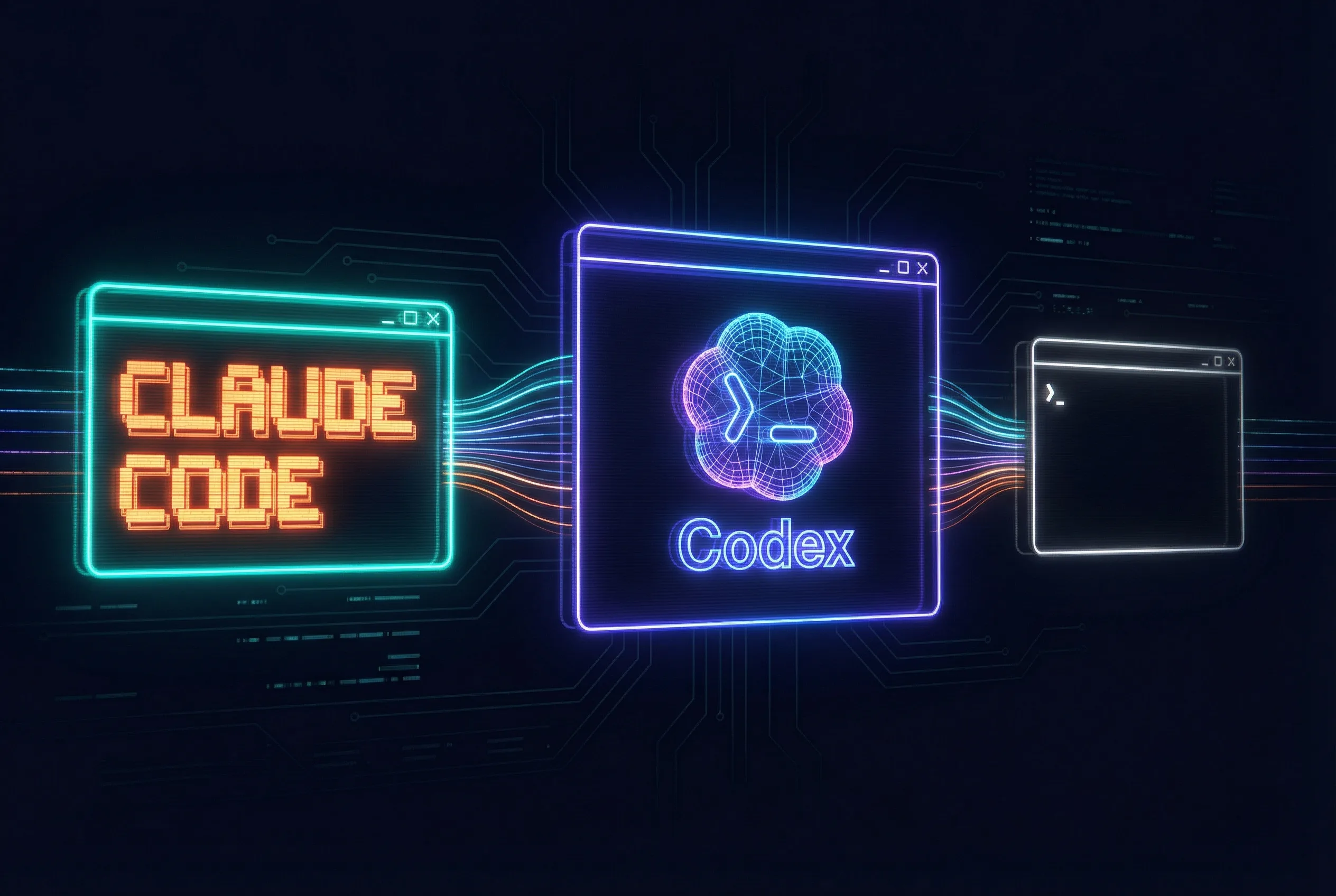
Short answer: Codex is the best overall Claude Code alternative in my current workflow. OpenCode is the best open-source choice, Cursor is best if you want a full IDE, Factory Droid is built for long-running background work, and Oh My Pi is the closest fit for terminal power users who want to choose their own models.
This is not a list of autocomplete extensions. Every option below can inspect a repository, edit multiple files, and use development tools. I ranked them by the job they are best at because there is no single winner for every codebase, budget, or interface.
If you are deciding between the three largest products first, start with my Claude Code vs Codex vs Cursor comparison. If you are new to Anthropic's agent, the complete Claude Code guide explains the baseline these alternatives need to beat.
Claude Code Alternatives Compared
Pricing and availability below were checked on July 30, 2026. Free tiers and usage limits change quickly, so confirm the linked product page before you migrate a team.
| Alternative | Best for | Interface | Cost model | Main tradeoff |
|---|---|---|---|---|
| Codex | Best overall | CLI, app, IDE, web | ChatGPT plans; limited-time Free access | Usage limits and credit costs |
| OpenCode | Open source and model choice | Terminal, IDE, desktop | Free harness; free, local, or paid models | You manage the provider setup |
| Cursor | IDE-first development | Editor, CLI, cloud agents | Free tier; Pro from $20/month | Not a terminal-first replacement |
| Factory Droid | Background missions | App, CLI, SDK | Paid plans from $20/month | Missions use limits and require extra usage |
| Oh My Pi | Terminal power users | Terminal and SDK | MIT licensed; bring a provider | Fast-moving, technical setup |
| GitHub Copilot CLI | GitHub-native workflows | CLI plus GitHub context | Requires a Copilot plan | Best value stays inside GitHub |
| Google Antigravity | Free Google-based agent | CLI, app, IDE | Free individual plan; paid tiers | New product replacing consumer Gemini CLI |
1. Codex: Best Overall Claude Code Alternative
OpenAI Codex is my first recommendation when someone wants a direct Claude Code competitor. It can work locally through the CLI or IDE, run in the desktop app, and take cloud tasks through the web. The app also supports parallel agents and isolated worktrees, which matters when one agent is not enough.
Codex is especially useful for broad implementation work: tracing a feature across a repository, making coordinated edits, running validation, and reviewing the resulting diff. I still prefer Claude Code for some fast conversational loops, but Codex is the tool I trust first for a long, multi-file task.
Access is included with eligible ChatGPT plans, and OpenAI currently includes limited Codex access on Free and Go as a promotion. Paid usage can continue with credits after plan limits. If you want to push it toward long-horizon work, see my guide to using Codex's /goal workflow.
2. OpenCode: Best Open-Source Alternative
OpenCode is the strongest answer to “Is there an open-source Claude Code alternative?” It runs in a terminal, IDE, or desktop app, can launch multiple sessions, and supports more than 75 model providers, including local models. You can also sign in with supported existing subscriptions.
The harness itself is free, but “open source” does not automatically mean every model is free. Your real cost depends on whether you use OpenCode's included free models, a local model, an existing subscription, or a metered API. That flexibility is the benefit and the setup burden.
3. Cursor: Best If You Want an IDE
Cursor is not a drop-in terminal replacement, but the popularity of “Claude Code vs Cursor” makes sense. Cursor puts agent requests, multi-file edits, code navigation, cloud agents, and the normal editor loop in one place. It is easier to supervise visually than a terminal session.
The Hobby plan has limited agent requests, while the Pro plan starts at $20 per month. Choose Cursor when you want to stay inside an editor. Choose Codex or OpenCode when you want a terminal-first agent that can operate independently of one IDE.
4. Factory Droid: Best for Background Missions
Factory Droid stands out for Missions, its workflow for work that can run for hours or days. You approve a plan, Droid decomposes the work, coordinates sessions, and validates the result. That makes it a better fit than an interactive terminal loop for migrations, test expansion, and other large queued jobs.
Individual plans start at $20 per month. Missions draw from the same rolling usage limits as normal sessions and require Extra Usage to be enabled, so estimate the workload before treating Droid as unlimited background capacity.
5. Oh My Pi: Best for Terminal Power Users
Oh My Pi is an MIT-licensed Pi fork with more than 40 providers, built-in LSP operations, debugger support, subagents, and a full terminal interface. It feels closer to a configurable engineering workbench than a thin chat wrapper.
Pick it when you want control over the model and harness and do not mind configuring the stack. The project moves quickly and expects more technical involvement than a managed app, so OpenCode is the gentler open-source starting point.
6. GitHub Copilot CLI: Best for GitHub-Native Work
GitHub Copilot CLI brings Copilot's coding agent into the terminal with repository, issue, and pull-request context. It can build, debug, refactor, use MCP servers, and preview actions before execution. It is the sensible choice when GitHub is already the center of your workflow.
The CLI requires an active Copilot subscription, and its advantage shrinks if your work does not live in GitHub. For teams already paying for Copilot, however, it may be cheaper and simpler than adding a second coding-agent subscription.
7. Google Antigravity CLI: Best Free Google Option
Google Antigravity now has a CLI, desktop app, and IDE surface backed by the same agent harness. The CLI supports asynchronous multi-agent work and keeps key Gemini CLI ideas such as skills, hooks, subagents, and extensions.
Do not start a new consumer setup around the old Gemini CLI. Google moved individual users to Antigravity CLI on June 18, 2026, while enterprise and API-key Gemini CLI access continues. Antigravity has a $0 individual plan with basic weekly limits, making it the clearest free Google alternative to Claude Code.
Which Claude Code Alternatives Are Open Source?
OpenCode is the best general-purpose open-source choice because it pairs a complete agent interface with broad provider support. Oh My Pi is the better fit for users who want a deeply configurable terminal harness. The Codex CLI is also open source, but its default experience is tied to OpenAI models and ChatGPT or API access.
If local models are the requirement, start with OpenCode and connect a local provider. Expect quality and tool reliability to depend heavily on the model. A free harness with a weak local model is not automatically a better coding agent.
What Is the Best Free Claude Code Alternative?
Start with OpenCode if you want a permanently open-source harness. Codex is easier to try because OpenAI currently includes limited access on the ChatGPT Free plan, but that availability is explicitly promotional. Google Antigravity has a free individual plan, while Cursor offers limited agent requests on its free Hobby tier.
Actual Claude Code is included in Claude Pro at $20 per month. Max raises the usage allowance at $100 or $200 per month. If cost is the only reason you are switching, compare the amount of work you finish per dollar, not just the subscription sticker price.
How to Pick the Right Alternative
- Pick Codex for the best all-around replacement and long multi-file implementation work.
- Pick OpenCode for open source, local models, or the freedom to switch providers.
- Pick Cursor when a visual editor and tight feedback loop matter more than a terminal-native workflow.
- Pick Factory Droid for queued migrations and background missions.
- Pick Oh My Pi when you want a powerful, configurable terminal harness.
- Pick Copilot CLI when repositories, issues, and pull requests already live in GitHub.
- Pick Antigravity CLI for Google's current free individual agent surface.
Whatever you choose, avoid making the repository depend on one provider's private conventions. My project structure for AI agent collaboration shows how to keep instructions, validation, and ownership portable. That makes switching agents a workflow decision instead of a rewrite.
Frequently Asked Questions
Is there anything better than Claude Code?
Yes, depending on the job. Codex is my best overall alternative for multi-file implementation, OpenCode is better for open-source model choice, and Cursor is better if you want the agent inside a full IDE.
What is the best coding agent like Claude Code?
Codex is the best all-around coding agent like Claude Code in my current workflow. It works across a CLI, desktop app, IDE, and cloud, while OpenCode is the strongest choice if you want an open-source, multi-provider agent.
Is Claude Code still the best coding agent?
Claude Code is still one of the best terminal agents, especially for interactive work, but it is no longer the automatic choice. Codex, OpenCode, Cursor, Droid, and Oh My Pi each win for different workflows, budgets, and interfaces.
What is the best alternative to Claude Code in 2026?
Codex is my best overall Claude Code alternative in 2026. Choose OpenCode for open source and model flexibility, Cursor for an IDE-first workflow, or Factory Droid for long-running background missions.
Is there a cheaper way to get Claude Code?
The cheapest official plan that includes Claude Code is Claude Pro at $20 per month. If you only need a similar coding agent, Codex currently has limited Free-plan access, while OpenCode and Oh My Pi are open-source harnesses that can use free, local, or paid models.
Is there a free code like Claude Code?
Yes. OpenCode is a free, open-source agent with free models and support for local or paid providers. Google Antigravity also has a free individual plan, and Codex is currently available to Free users for a limited time.
FREQUENTLY ASKED QUESTIONS
Is there anything better than Claude Code?
Yes, depending on the job. Codex is my best overall alternative for multi-file implementation, OpenCode is better for open-source model choice, and Cursor is better if you want the agent inside a full IDE.
What is the best coding agent like Claude Code?
Codex is the best all-around coding agent like Claude Code in my current workflow. It works across a CLI, desktop app, IDE, and cloud, while OpenCode is the strongest choice if you want an open-source, multi-provider agent.
Is Claude Code still the best coding agent?
Claude Code is still one of the best terminal agents, especially for interactive work, but it is no longer the automatic choice. Codex, OpenCode, Cursor, Droid, and Oh My Pi each win for different workflows, budgets, and interfaces.
What is the best alternative to Claude Code in 2026?
Codex is my best overall Claude Code alternative in 2026. Choose OpenCode for open source and model flexibility, Cursor for an IDE-first workflow, or Factory Droid for long-running background missions.
Is there a cheaper way to get Claude Code?
The cheapest official plan that includes Claude Code is Claude Pro at $20 per month. If you only need a similar coding agent, Codex currently has limited Free-plan access, while OpenCode and Oh My Pi are open-source harnesses that can use free, local, or paid models.
Is there a free code like Claude Code?
Yes. OpenCode is a free, open-source agent with free models and support for local or paid providers. Google Antigravity also has a free individual plan, and Codex is currently available to Free users for a limited time.